Tools are tools. You use them. They're supposed to work reliably and help you get your work done. But after years of stagnant innovation and a MONTHLY price (more than your client's concept of a print budget), I'm dropping Illustrator for Affinity Designer.
After Using Illustrator For 18 Years
I'm not about to stop. It's good software and a staple for vector art and design. As Adobe balloooooons in staff & stock, they have no choice but to compete.
I am, however, not going to create any new documents with it.
Thoughts on Subscription Models
They Should die.
I think we have [ CONFIRMED ] been in a simulation since every fucking company moved to subscription models. That or just brutal, bloated capitalism. Anyhow, I don't like subscribing to things, especially when it is THE tool you need to do the job.
Some companies do it right, like glyphs.app by having you buy the software, then doing paid (often discounted) upgrades as major improvements roll out. Have to go lean for a bit? Your software still works. Great!
There's something magical about having a piece of software and having it work every time. On to the technical stuff.
Major Heck'n Wins
Brush Stabilizer Tool
The ONLY reason I got a Wacom tablet was to make my strokes smoother and more expressive. Stabilizer tool is good enough that I can avoid hooking up a tablet for small tasks. A variable DPI mouse + Stabilizer becomes gold 👑 with my workflow. Affinity also registers mouse velocity (in place of tablet pressure) as a means for varying strokes.
Organizational Layers
Ever use sub-layers in illustrator? Me either. Affinity has them front and center. Combined with the myriad of effects, you will start using them to your advantage with all the opacities, blend modes, etc. It also becomes a source of easier selection at times. This also makes masking pixel layers and absolute easy task.
Gradients and Wine Glass Tool
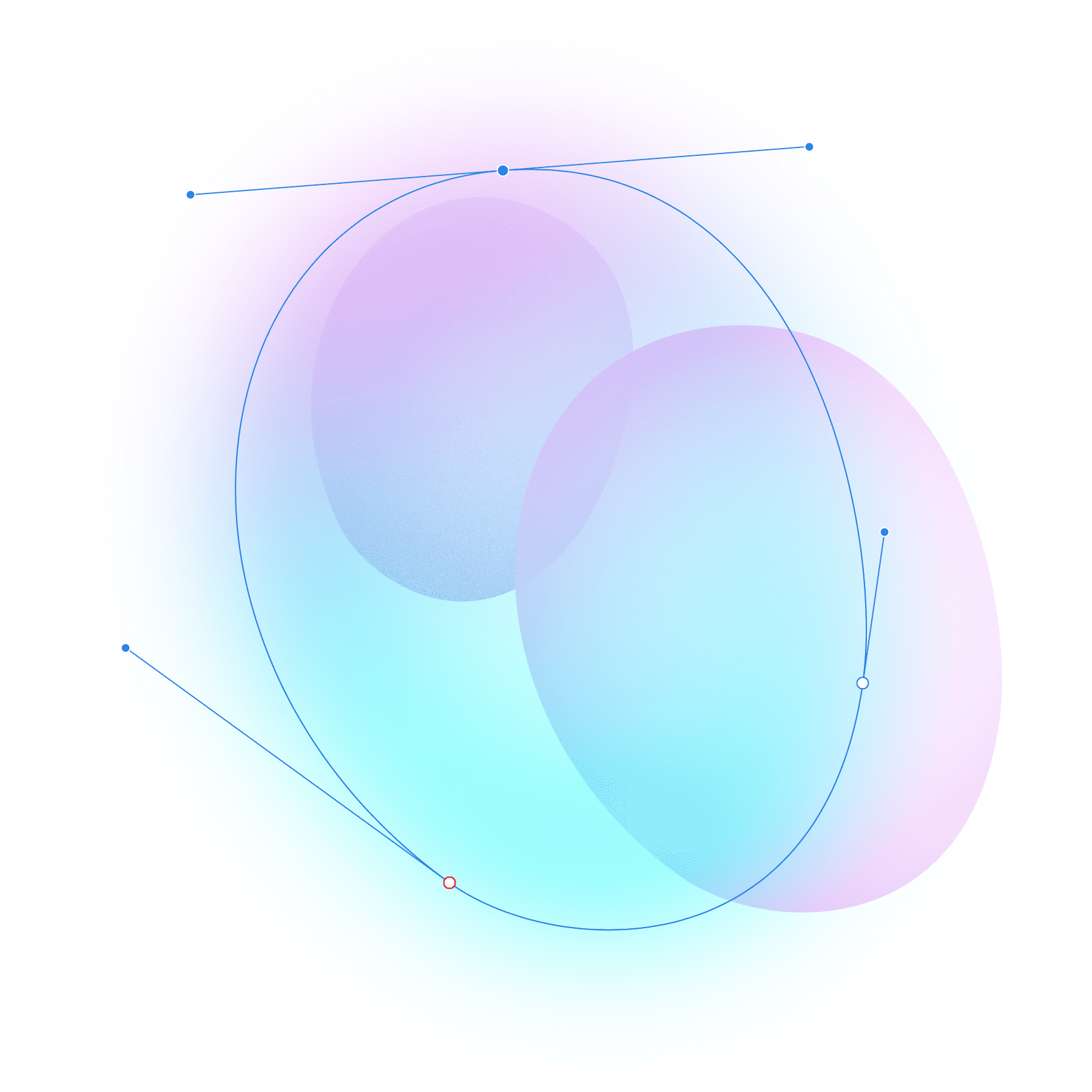
I cannot believe how easy it is to manipulate these. Make a radial gradient, make the inner bit transparent. Add some glow and noise. Easy. I previously hated gradients because they were more difficult to work with and sometimes just didn't look right.
PARADIGM SHIFT:
Illustrator has you manipulate points as you see and select them. Affinity has you toggle between the node tool (hotkey: A) and the Pen Tool (hotkey: P).
Primitives like circles and squares remain primitives until converted to curves.
What to Love
- Node Manipulation
The cursor detects lines and shows you where a node will be inserted before you click. Nice. - Designer / Pixel Personas
I've never liked firing up photoshop just to add quick texture. This solves that nicely. - Robust Alignment & Pixel Precision
Adobe was lat too the game with this one, and had you rely on a grid you set and hopefully nothing snapped to 8.0001px. Frustrating AF. Affinity seems to have perfected this out of the gate along with other distribution and alignment tools. - Objects Remember Original Angles of Rotation
- Efficient Selecting
Click and drag over an entire object. No more accidental partial selecting. - Stroke Stabilizer
Use the vector brush tool to draw SMOOTH curves without the pen tool. Handy for roughing out compositions or making lettering elements.
Good But Not Great
- Digging for Equivalent Features
I did this a lot initially, and, still do. Some things like the noise slider are well hidden (click the opacity label... yeah). Theres a good chance that what you want to do exists, just not in the series of clicks you're used to.
- GPU Optimization
Sometimes you get stealth mode, sometimes jet engine... Hardware is tricky, but, supposedly they optimized for Apple's new M1 chip.
Absolute Suck
There are just some things that make this program absolutely infuriating to use at times, and hopefully they get fixed down the line as developers take note.
- Joining Lines
Seriously. Fuck this. It should be more intuitive. When have you ever clicked on the end of a line segment with the pen tool and NOT wanted it to continue? - Line Selection Reverting
This will drive you insane if using the vector brush, or really any brush. You'll need a hawk eye on your stroke, fill and brush size at all times if you change them. I SUPER wish the eye dropper would select stroke thickness characteristics as well as color. - THE FUCKING BRUSH NODES
There is no option to tell the program approximately how simple or jaggy you want your brush beziers to end up. I've wasted SO much time cleaning them up. - No tiff overlay support
Illustrator would let you drag a BMP (maybe even black and white TIFF) over your image, select a color, then BAM–Instant fill color from a raster document.